Generator Controls
Use short phrases for bios and usernames, or test a headline line before pasting it into Instagram.
Generate copy and paste Instagram cursive text for bios, captions, display names, and story titles, then export PNG graphics when you need a fixed visual.
Use short phrases for bios and usernames, or test a headline line before pasting it into Instagram.
This keyword is mostly copy-paste intent. Generate Unicode styles for bios, captions, and display names first, then switch to PNG when a graphic needs stable rendering.
Bold Script
𝓼𝓽𝓾𝓭𝓲𝓸 𝓲𝓻𝓲𝓼
Sans Italic
𝘴𝘵𝘶𝘥𝘪𝘰 𝘪𝘳𝘪𝘴
Monospace
𝚜𝚝𝚞𝚍𝚒𝚘 𝚒𝚛𝚒𝚜
Best for bios, caption openers, display names, and short lines you want to paste directly into Instagram.
Use PNG when a story cover, highlight title, or image graphic needs consistent rendering across devices.
Use this page to generate Instagram-ready cursive text that you can copy into bios, captions, usernames, and short profile lines. It also supports PNG export for highlight covers, story graphics, and profile mockups when Unicode rendering is inconsistent.
If you need broader script comparisons, visit the Cursive Font Styles Guide, test general variants in the Cursive Text Generator, and build cleaner sign-offs with the Signature Font Generator.
Instagram Search Intents
Keyword clusters around instagram font generator, bio font generator, and fonts for instagram stories are all variations of the same need: pick a decorative style that still reads well on a phone. This section gives those use cases crawlable image examples plus fast handoff buttons into the live tool.
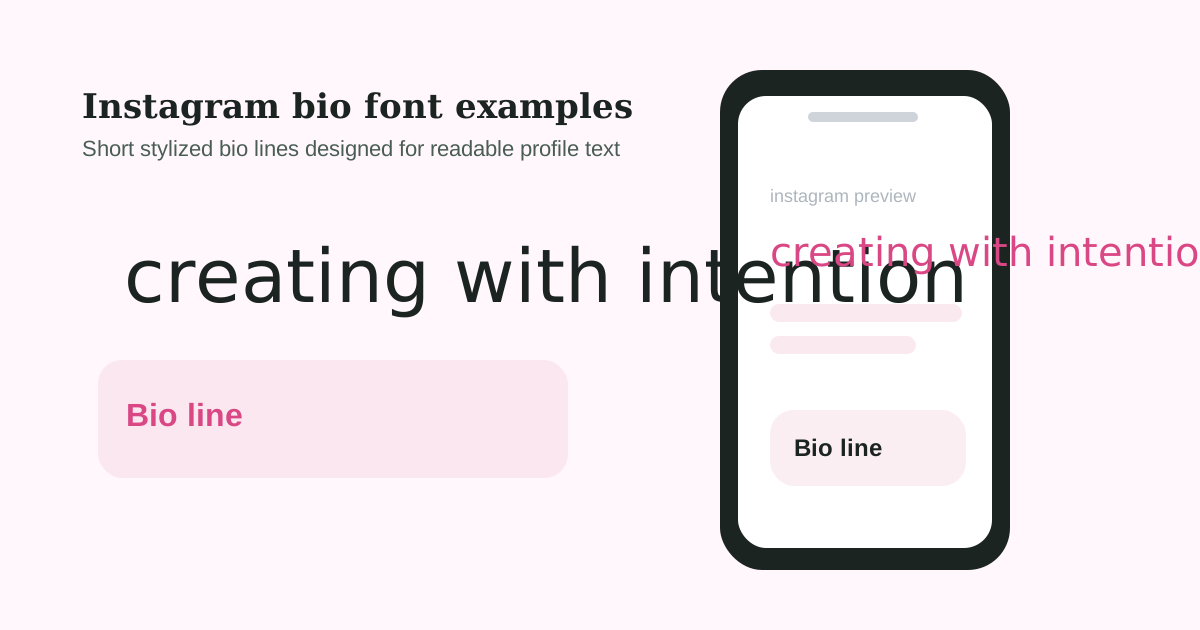
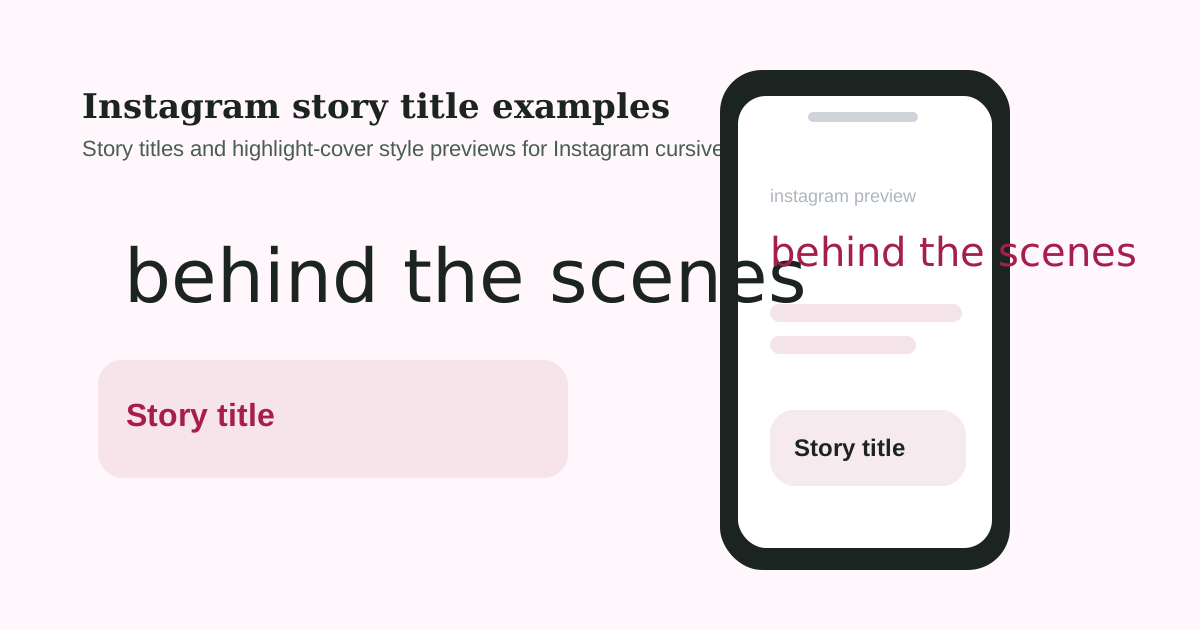
Keep the bio line short, keep your niche terms in standard text, and use cursive only where style matters more than discoverability.
Story slides and highlight covers can be more decorative because the text is rendered as visual content rather than indexed profile text.
Usernames and display names should stay simple enough to recognize on small screens, especially if you depend on searchability and profile recall.
Type your text, refresh the Instagram variants, and copy the version that fits your profile style. If you are updating a bio, keep it short and readable. If you are creating a story title or highlight cover, you can export PNG instead so the design stays visually consistent.
| Instagram surface | Best text style | Practical advice |
|---|---|---|
| Bio | Short stylized phrase | Keep your core searchable keywords in plain text and use cursive for flair. |
| Caption opener | One decorative first line | Use styled text to hook attention, then switch back to normal text for readability. |
| Story text | Copy and paste or PNG | If rendering looks inconsistent, use PNG to lock the visual style. |
| Username or display name | Minimal stylization | Too many special characters can reduce clarity and make your profile harder to search. |
An instagram cursive font generator is valuable because Instagram surfaces do not all behave the same way. A good tool helps you decide when to paste Unicode text into a bio or caption and when to switch to PNG for story covers, highlight graphics, or image-based layouts that need consistent rendering across devices.
Use the instagram cursive font generator when you want a stylized first impression without destroying readability. The tool is best for short bio lines, one-line caption openers, highlight title experiments, and light profile branding. If the text contains important search terms, keep those in standard text and let decorative script handle only the accent words.
An instagram cursive font generator also helps when you manage several profile surfaces at once. If the instagram cursive font generator output reads well in a bio, highlight title, and story cover test, you have a more dependable styling direction.
Type your text, refresh the variants, copy the one you want, and paste it into your bio or caption field in the Instagram app.
They can. Because these fonts often use Unicode symbols instead of standard letters, it is better to keep important keywords, names, or niches in plain text and use stylized text only for decorative sections.
Some older phones, unsupported apps, or limited system fonts do not render every Unicode character. If a style breaks, switch to a simpler variant or export PNG instead.
Yes. You can paste supported text variants directly into story text fields, or export a PNG when you want a stable design for highlight covers and story graphics.